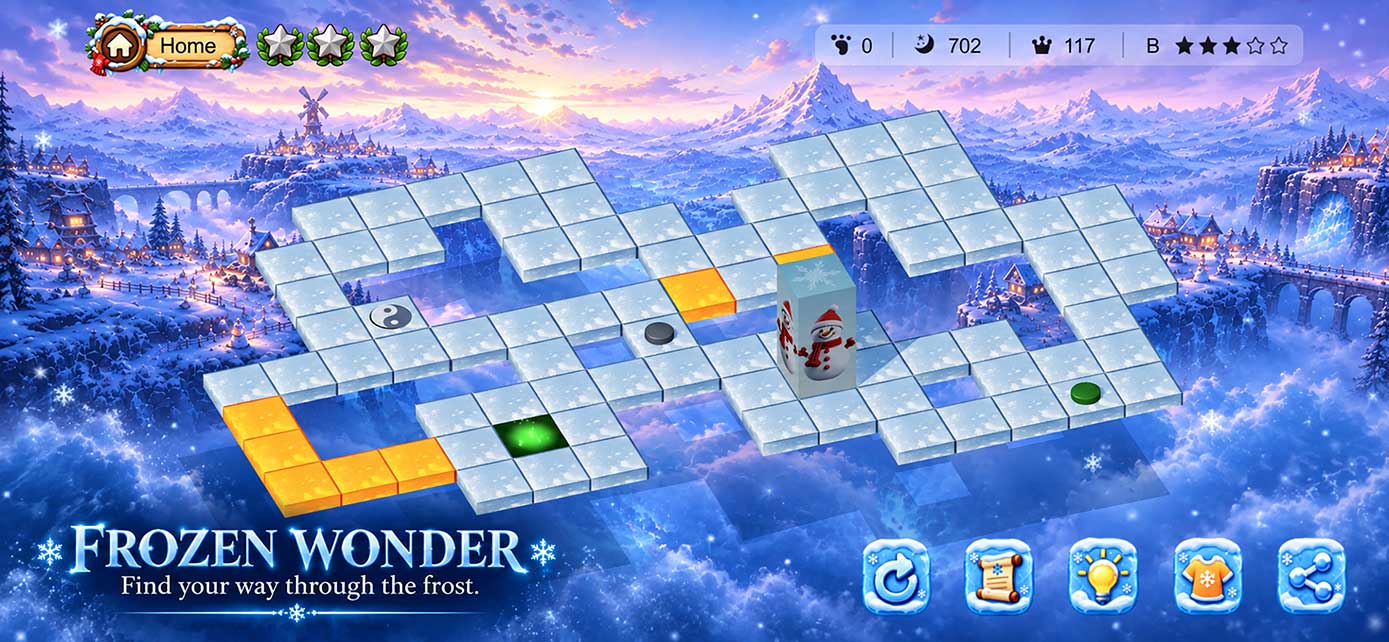
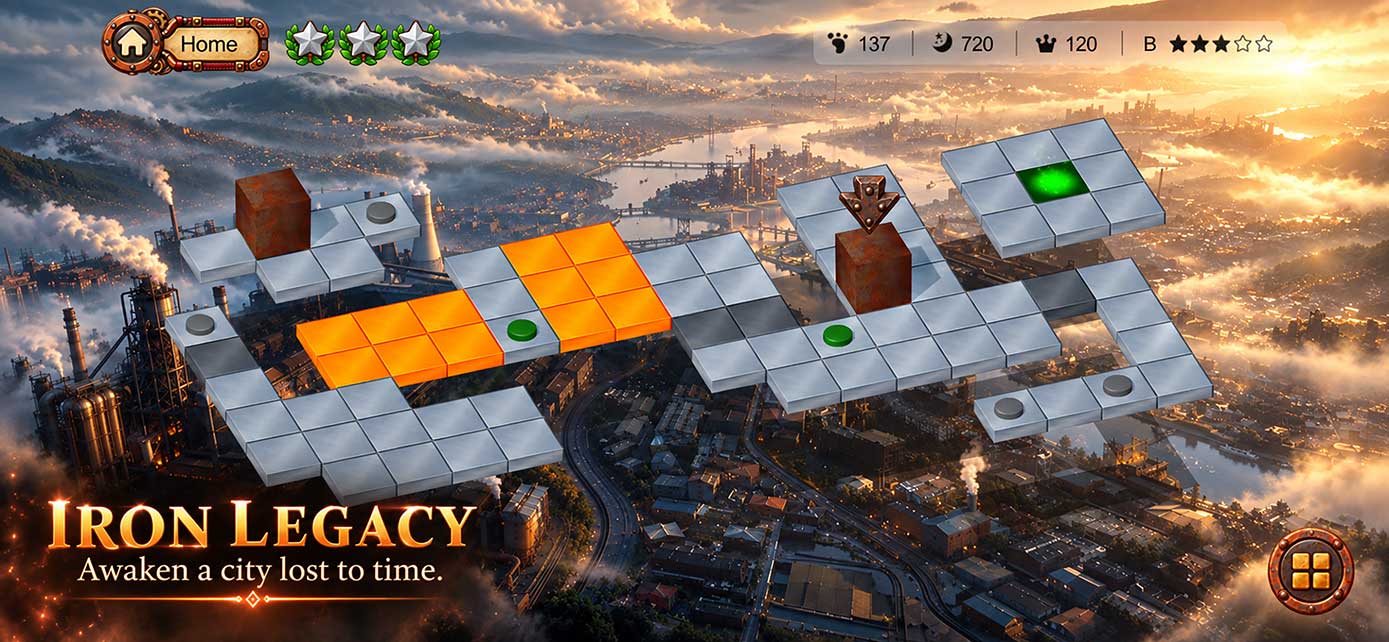
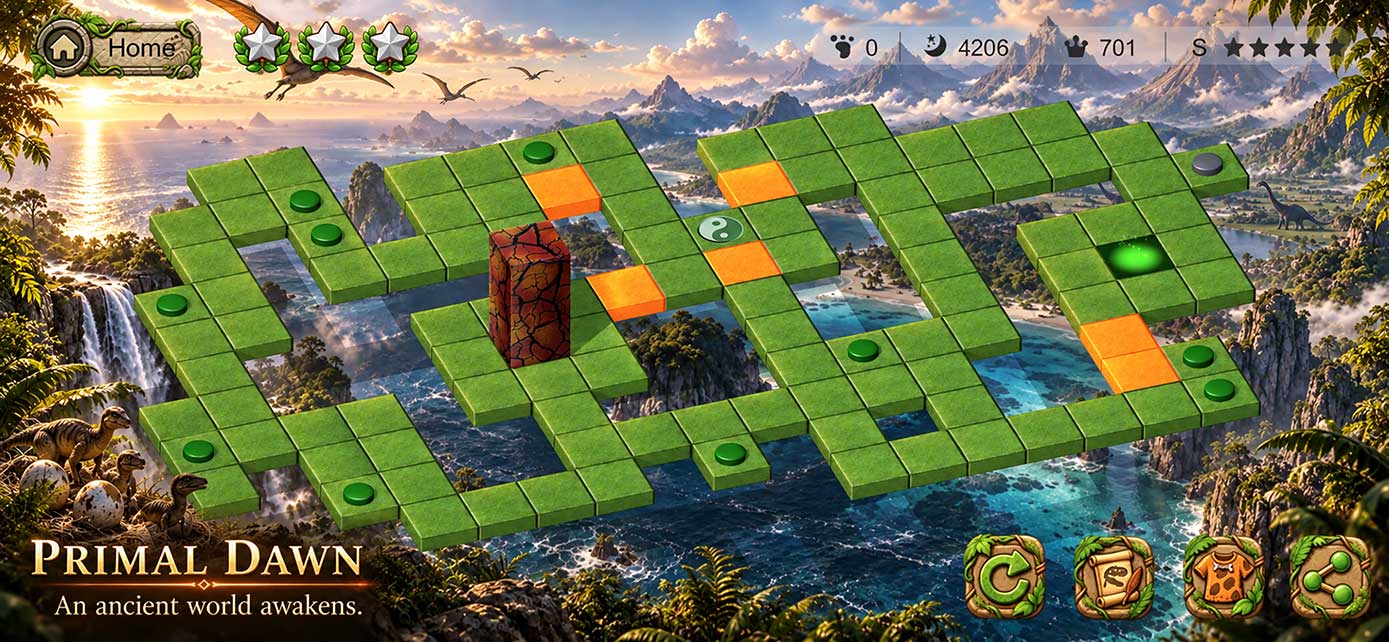
How do I unlock the full experience?iOSAndroid
Use the in-game unlock option to purchase Unlock Full Game on iOS or CubeWard Premium Pack on Android. Both are one-time purchases with lifetime access.
On Android, CubeWard Premium Pack removes all ads forever and unlocks unlimited energy, unlimited hints, and all skins.
I already purchased the game. Why is it locked?iOSAndroid
Make sure you are signed in with the same store account used for the original purchase — your Apple Account on iOS or your Google Account on Android — then open Settings → Restore Purchase. If the issue remains, contact us and we will help you investigate.
Will restoring a purchase charge me again?iOSAndroid
No. Restoring a previous one-time purchase made with the same store account does not create a new charge.
How does Game Center progress sync work?iOS
When Game Center is connected and network access is available, CubeWard can synchronize supported progress so you can continue on another compatible Apple device.
How does Google Play Games progress sync work?Android
When Google Play Games Services is connected and network access is available, CubeWard can synchronize supported progress so you can continue on another compatible Android device.
Why do I see ads, and how do I remove them?Android
The Android version is free to play and supported by ads, which may include rewarded video, interstitial, banner, native, and app open ads. If you purchase CubeWard Premium Pack, all advertising is permanently removed from the Game.
How does the in-game Help guide work?iOSAndroid
The Help guide is based on a world-best minimum-move route achieved by a player. It presents three selected segments from that best-route run as useful reference points while you work out the stage yourself.
What should I send when reporting a problem?iOSAndroid
Please include your device model, system version, CubeWard version, what you were doing when the issue occurred, and screenshots or a screen recording if available.